
IDLE

Follow these steps to start tracking your coding time in Python’s IDLE with Hackatime. The plugin works on macOS and Linux.
Step 1: Log into Hackatime
Make sure you have a Hackatime account and are logged in.
Step 2: Run the setup script
Visit the setup page to automatically configure your API key and endpoint. This ensures everything works perfectly with Hackatime.
Step 3: Install the IDLE plugin
Run these commands in a terminal, using the same python3 that you open IDLE with:
curl -fsSLO https://raw.githubusercontent.com/hackclub/idle-hackatime/main/IdleHackatime.py
python3 IdleHackatime.py install
The installer adds the plugin to IDLE and downloads wakatime-cli if you don’t have it yet. If you skipped Step 2, it asks for your API key.
Step 4: Restart IDLE
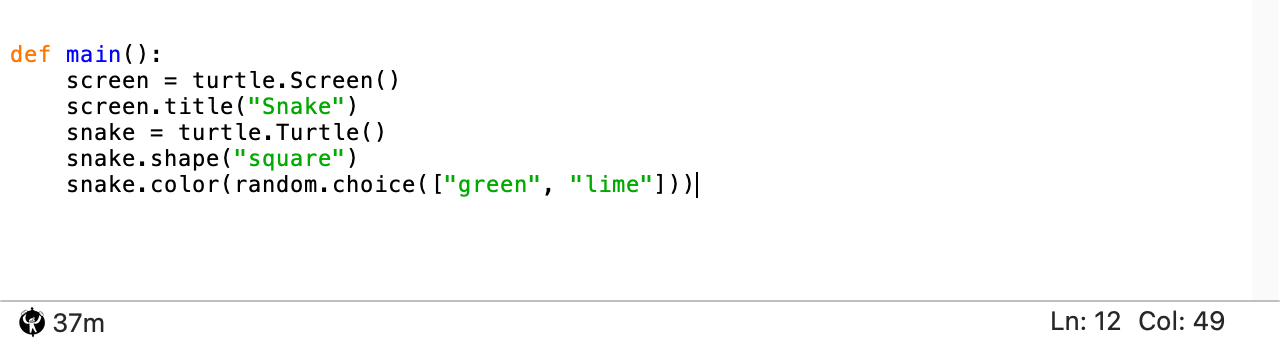
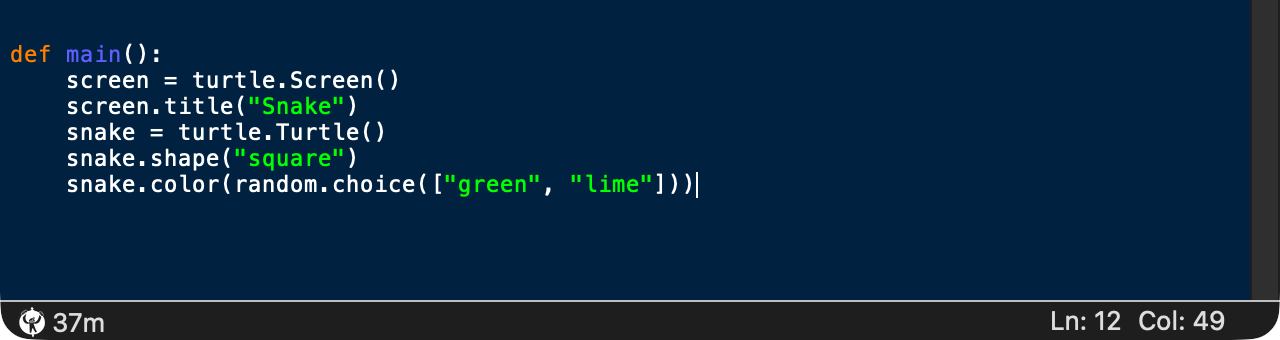
Close every IDLE window and open IDLE again. The Hackatime logo and today’s coding time appear in the bottom-left corner of each editor window.
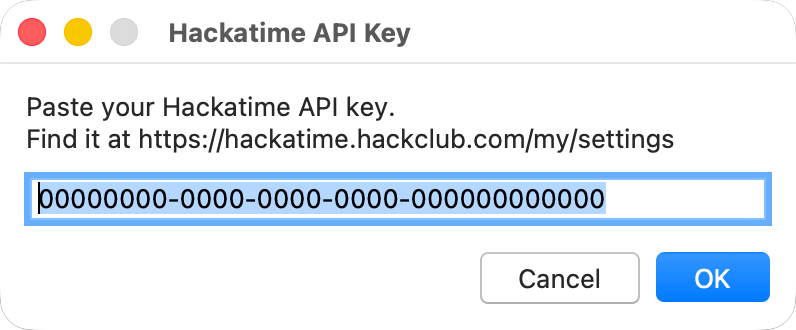
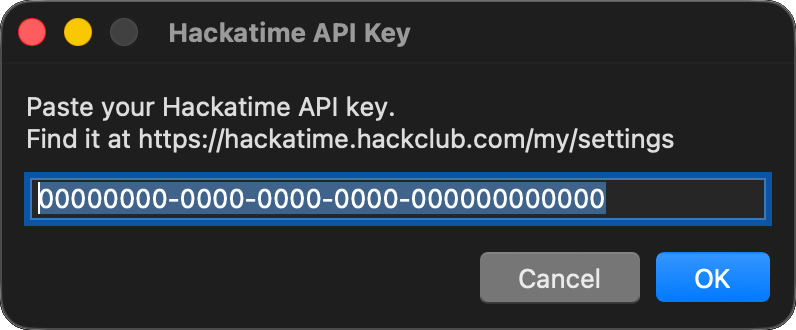
If you haven’t set an API key yet, IDLE asks for one when it opens. Paste the key from your Hackatime settings and press OK.
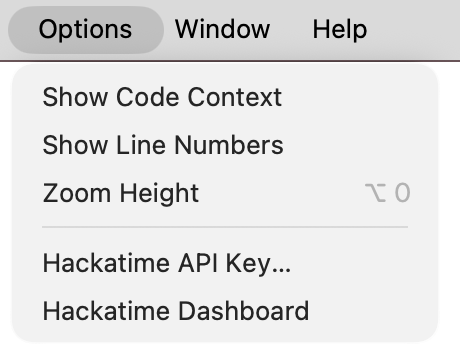
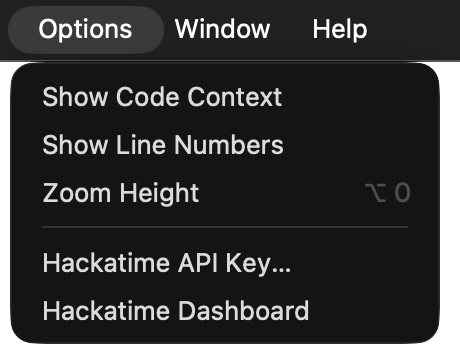
You can change your API key at any time from Options → Hackatime API Key…. Options → Hackatime Dashboard opens your dashboard in the browser.
What gets tracked
IDLE sends a heartbeat when you open or switch to a file, while you edit it and every time you save. Your project, branch, language, line and cursor position come along with it. Files you haven’t saved yet and the IDLE Shell window aren’t tracked.
Troubleshooting
- Not seeing your time? Make sure you completed the setup page first. Heartbeats can take up to two minutes to show up.
- No logo in the status bar? The plugin was installed for a different Python. Run
python3 -m idlelibto open IDLE with the same Python you installed it with. - macOS with Homebrew? IDLE needs Tk, so install it with
brew install python-tkfirst. - Something else? Check
~/.wakatime/idle-hackatime.logfor errors. - Still stuck? Ask for help in Hack Club Slack (#hackatime-help channel).
To remove the plugin, run python3 IdleHackatime.py uninstall.
Next steps
Once configured, your coding time will automatically appear on your Hackatime dashboard. Happy coding!